
Party history
Start with the people and facts you know.
One shared memory. A joke that grows.
Create an affectionate inside joke from your party’s shared history. Develop how it began, when it returns and how each retelling changes, while leaving its use to the players.
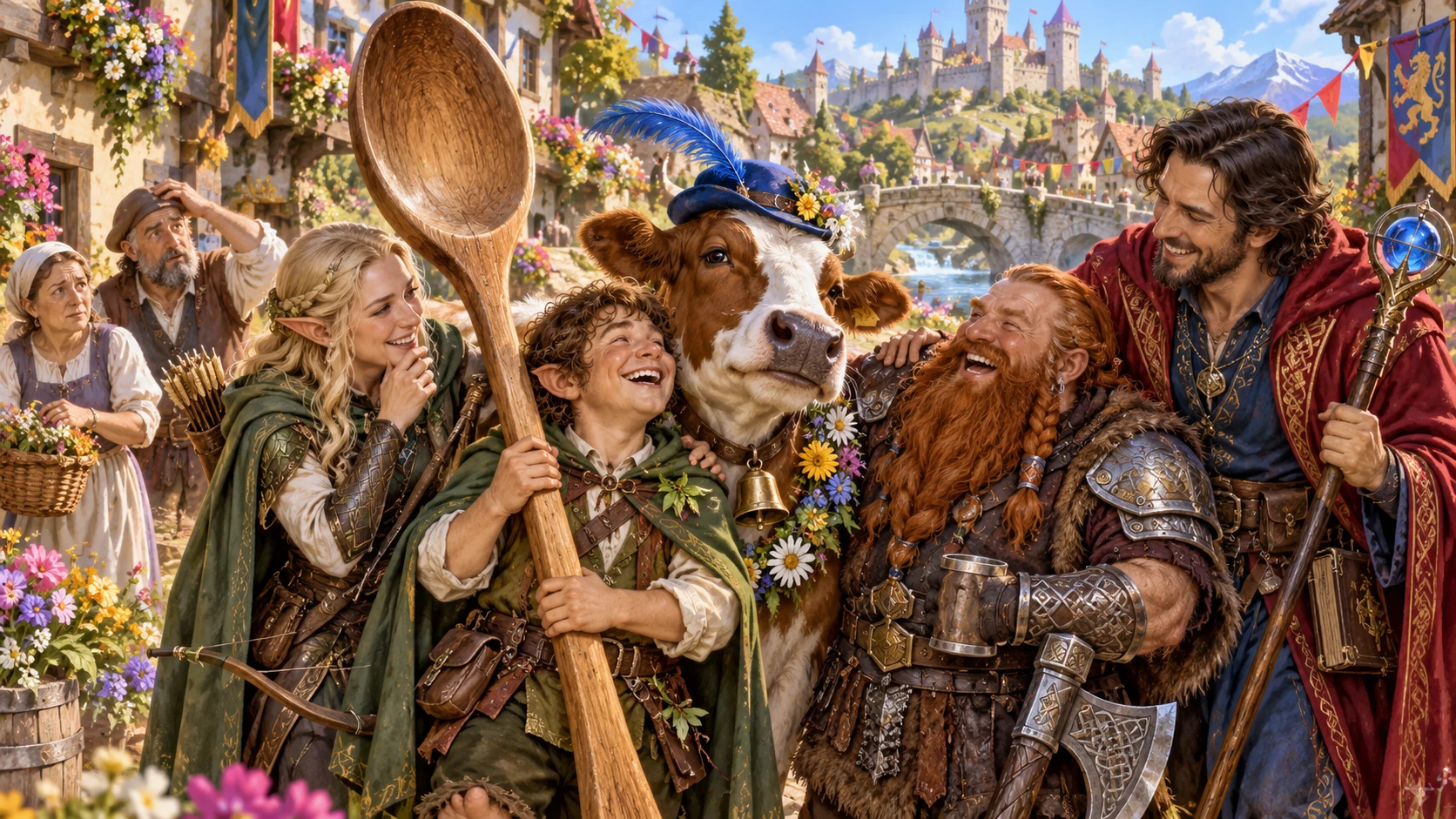
Shared history with a smile
Develop an affectionate joke that belongs to your party.
Start with the people and facts you know.
Choose the phrase, object or moment at its heart.
Prepare occasions when the joke might return.
Let the group repeat, ignore or retire it.

Prepare the shared joke
The illustration represents tabletop story preparation, not generated artwork or an application screenshot.
Start with party members, established facts, situation, scale and tone.
Choose the joke’s form, earlier event, returning moments and private context.
From party memory to shared joke
Build useful callbacks around established party facts.
Add names, current situation, scale and tone.
Choose a form and the earlier event behind it.
Prepare recurrence, growth and outsider reactions.
Refine hooks, table tips and chosen audience material.
Your shared-joke preparation
Build one joke with useful moments for your party.
Build an affectionate joke around your party’s established history.
Choose a passing giggle, running gag, inside joke, party legend, region-wide joke or lasting joke.
Start with a phrase, object, event, creature, mistake, nickname, food, drink, gesture or signal.
Prepare when it returns and how each retelling changes.
Explore how the joke grows and what puzzled outsiders make of it.
Add two story hooks, two table tips and a possible later callback.
Revise individual sections, save versions or duplicate a result to try a variation.
Review the Dungeon Master dossier or party note; copy, download JSON or print.
Quick setup and deeper party context
Use known facts to shape a joke that suits your group.
Set party members, situation, scale and tone.
Choose a phrase, object, mishap or signal.
Explore rests, danger, victory, meals or planning.
Add earlier events, things to avoid and private notes.
Make the joke your table’s own
Keep useful details while exploring another retelling.
Lock, change and edit parts of the result.
Save and reopen the joke you want to keep.
Duplicate a result to explore another version.
Review the DM dossier or selected party note.

A party note to review
Review the origin, recurring moments, retelling and outsider reactions.
Add hooks, table tips and a possible future callback.
Review the complete DM dossier or chosen player note before sharing.
Keep the humour player-led
Prepare the joke while leaving its use to the table.
Review tone against your party and established facts.
The group can repeat, ignore or retire the joke.
This is a shared joke, rather than a ritual or incident.
No mechanics, penalties or Combat PRO handoff.
Plans and generator access
Choose the access that fits your tabletop preparation.
Review current access and pricing for Inside Joke Generator in your VISINVOKE account.
Where an eligible pack includes this generator, review current pack details and access.
Create a free VISINVOKE account. Premium product access remains separate.
Review the current account pricing before choosing access. Other products have their own access arrangements.
VISINVOKE means value
A focused workspace for affectionate humour, changing retellings and chosen party notes.

Start with the party facts you supply.
Prepare useful callbacks for later scenes.
Explore retellings and outsider reactions.
Leave the group free to use or retire the joke.
Build your tabletop workspace
Each card opens its own product website. Review purpose and access separately; related products do not promise included access or automatic synchronisation.

Open your VISINVOKE products from Windows.

Frame a live exchange after an established social mistake.

Build the wider setting around your campaign.

Develop the places your party travels through.

Explore separate adventure environments.

Explore separate fantasy image creation.
Product artwork is illustrative, not application screens or actual generated image output.
Quick answers
Understand origins, retellings, player choice and selected exports.
Create one inside joke grounded in the party’s shared history, then develop its origin, recurring moments, changing retelling, growth and outsider reactions. Add two story hooks, two table tips and a possible future callback.
Choose six scales: a passing giggle, running gag, proper inside joke, beloved party legend, region-wide joke or a joke that outlives the party. Build around a phrase, object, event, creature, mistake, nickname, food, drink, gesture or signal. Keep the humour affectionate and review it against the people and established facts you supplied.
Quick preparation uses party members, current situation, scale and tone. Deeper preparation adds the joke’s form and returning moments, such as rests, danger, victory, strangers, meals, taverns, planning or sad moments. Include an earlier party event, things to avoid and separate private context.
Lock, change and edit individual sections. Save versions, reopen the result or duplicate it to explore a variation. Review the origin, recurring moments, retelling, growth, reactions, hooks and tips as you shape the joke for your table.
Review the complete Dungeon Master dossier or selected player-facing party note, then copy, download JSON or print. Keep the Dungeon Master’s note and private context separate from player material. Players decide whether to repeat, ignore or retire the joke. This generator does not apply mechanics or penalties and sends nothing to Combat PRO.
Create a free VISINVOKE account and review current access and pricing for the selected standalone generator or an eligible pack. Get Desktop Command Centre through your account installer page, then sign in on Windows and open Inside Joke Generator from the Generators collection. A free account is separate from premium product access.
Continue in VISINVOKE
Create a free VISINVOKE account and review current generator access.
Get Desktop Command Centre from your account installer page. Sign in on Windows and open Inside Joke Generator.